Jobsuit AI Alternatives for Faster Job Applications
Explore the best Jobsuit AI alternatives to speed up job applications. Compare AI auto-apply tools, resume builders, and autofill extensions to find the right fit for your job search.
The tools that pick up where Jobsuit drops the keyboard, sorted by how much of the submit button you are willing to give away.
Most job seekers lose their evenings to the same quiet task. Not writing the resume. Not hunting for roles. Just re-entering the same details, form after form: name, phone number, work history, salary expectations, typed out again for the fortieth company that week. It is the least glamorous part of a job search and the one that quietly eats the most hours.
Jobsuit AI built its reputation on a different problem.
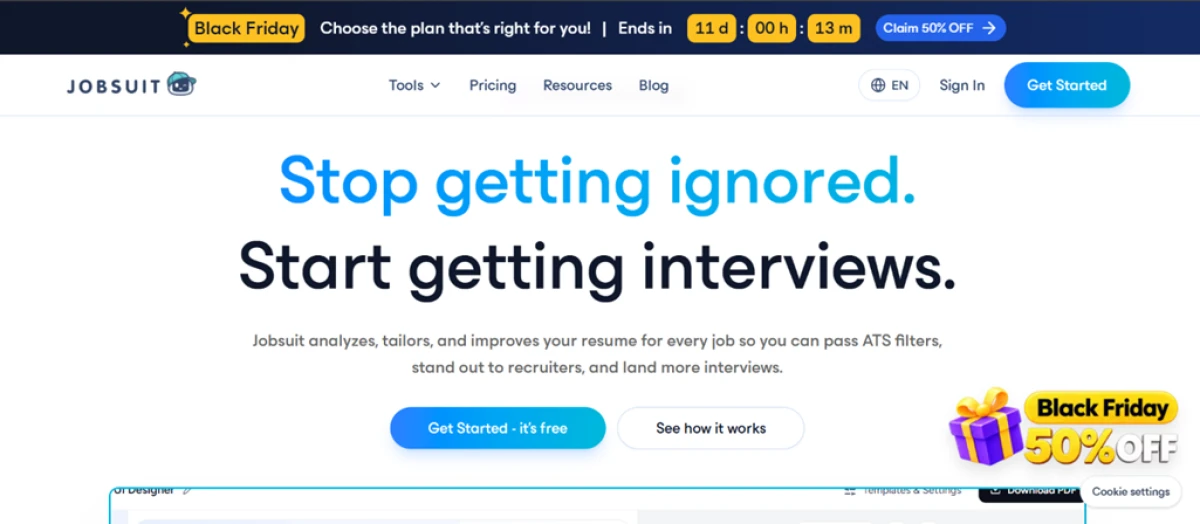
It reads a job description, rewrites your resume to match it, and checks whether the result will survive the automated filters that screen applicants before any human sees them. On that front, it delivers. The moment your tailored resume is ready, though, Jobsuit steps back and hands the keyboard to you. Every application still gets filled in by hand, on each company's own site.
That handoff is the reason this guide exists. If you came looking for Jobsuit alternatives that make applying faster, you are looking for tools that take over where Jobsuit stops. Some fill the forms for you. Others apply on your behalf overnight. The real question is how much of the steering wheel you want to let go of, and that single question shapes everything below.
Where Jobsuit speeds you up, and where it strands you
Jobsuit AI comes from a Singapore-registered company and sits firmly in the resume and cover letter corner of the market. Its free plan caps you at three resume tailorings a month, with matching limits on analyses and cover letters. Paid tiers run $11.99 a month for Pro and $23.99 for Elite, with longer commitments discounted by up to 60 percent.
Under the hood you get ATS fit analysis that flags missing keywords, resume tailoring against a pasted job description, a chat assistant it calls Resume Agent, ATS-oriented templates, a cover letter generator, and a basic application tracker. For sharpening how you look on paper, that is a tidy kit.
Then comes the catch.
Jobsuit's own site is blunt about its limits. It does not auto-apply. It offers no browser autofill. It skips interview help. In its own words, it does not apply to jobs for you. So the slowest, dullest stretch of the search, the submitting itself, stays entirely on your plate. You polish a great resume and then spend your night copying it into boxes.
The alternatives worth your attention all share one trait Jobsuit lacks. They push past that submit button, each by a different distance.
The three speeds of a faster application
Before naming tools, it helps to sort them by how far they go. Picture a slider that runs from gentle assistance at one end to full automation at the other. Every tool below sits somewhere on it.
Speed
What the tool does
Who clicks submit
Autofill
Drops your saved details into each application form in seconds
You, every time
Reviewed auto-apply
Finds roles, drafts the full application, and queues it for your sign-off
You, per application
Full auto-apply
Searches and submits on its own, around the clock
The tool
We will travel through these in order, starting with the option that keeps you fully in charge and ending with the one that takes the wheel completely. Where you choose to stop depends on your appetite for risk, a theme we come back to near the end.
Speed one: autofill tools that keep you in the driver's seat
The gentlest upgrade over Jobsuit keeps you making every decision and simply removes the typing. The standout here is Simplify.
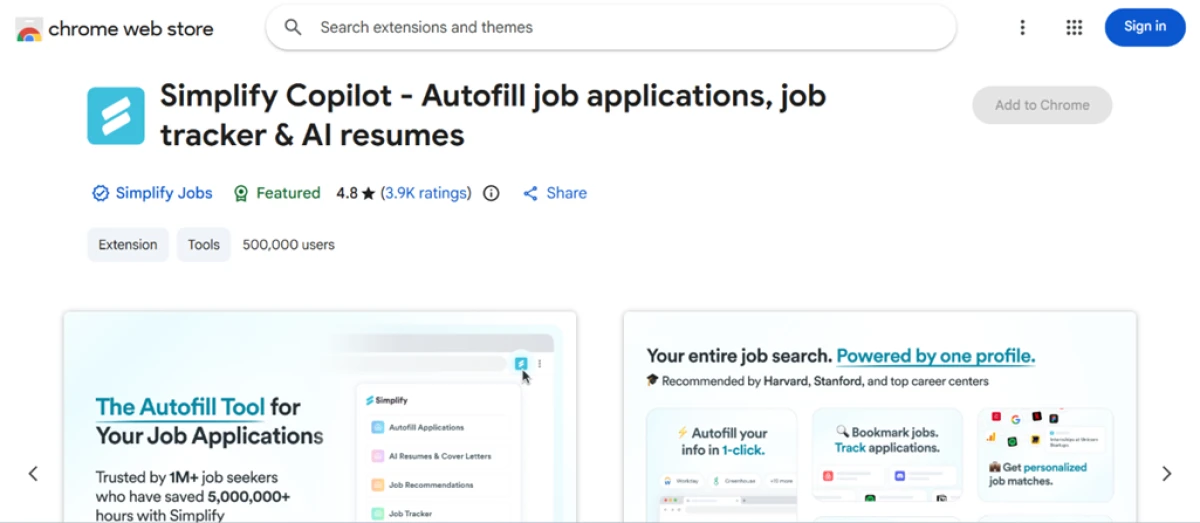
Simplify runs as a free Chrome extension that fills in job application forms across more than 100 applicant tracking systems, the big names included like Greenhouse, Lever, Ashby and Workday. You set up a profile once. After that, a blue icon appears on supported application pages, and one click pours your details into the right fields. You read the form, fix anything the AI got wrong, and press submit yourself.
The free tier is unusually generous. Autofill, an application tracker, job matching and a basic resume builder are all free with no cap on how many applications you send. The extension carries a 4.8 out of 5 rating from roughly 3,700 Chrome Web Store reviews and has been installed by over half a million users, which is rare air for a job tool.
There is a paid upgrade, Simplify+, which layers on AI resume tailoring and an Autopilot mode that does submit for you. Reported pricing sits around $39.99 a month, though Simplify keeps no public pricing page, so the figure only shows up inside the app. For most people the free autofill is the part worth installing.
Two similar extensions are worth a look if you want options. AutoApplyMax offers free unlimited ATS score checks and autofill, plus auto-apply on LinkedIn Easy Apply, with a cheap premium tier near $6.99 a month. JobWizard works the same way, autofilling forms and drafting answers while leaving the final click to you.
Autofill still asks you to find each job and approve each form. The next speed takes more of that off your hands.
Speed two: reviewed auto-apply, the approve-before-send middle ground
This tier is where most serious job seekers land. The tool does the finding and the drafting, then pauses so you can glance at each application before it goes out. You get real speed without surrendering your name to a bot.
Jobscan is best known as a resume scanner that scores your resume against a job description and lists the keywords you are missing. Its newer Auto Apply feature extends that into submitting. It drafts each application inside the app, improves the resume first, and then waits for you to approve every send. Notably, it runs as a web app rather than a browser extension. The free plan allows a handful of scans a month, and the Premium plan is on the steep side at $49.95 a month for unlimited use.
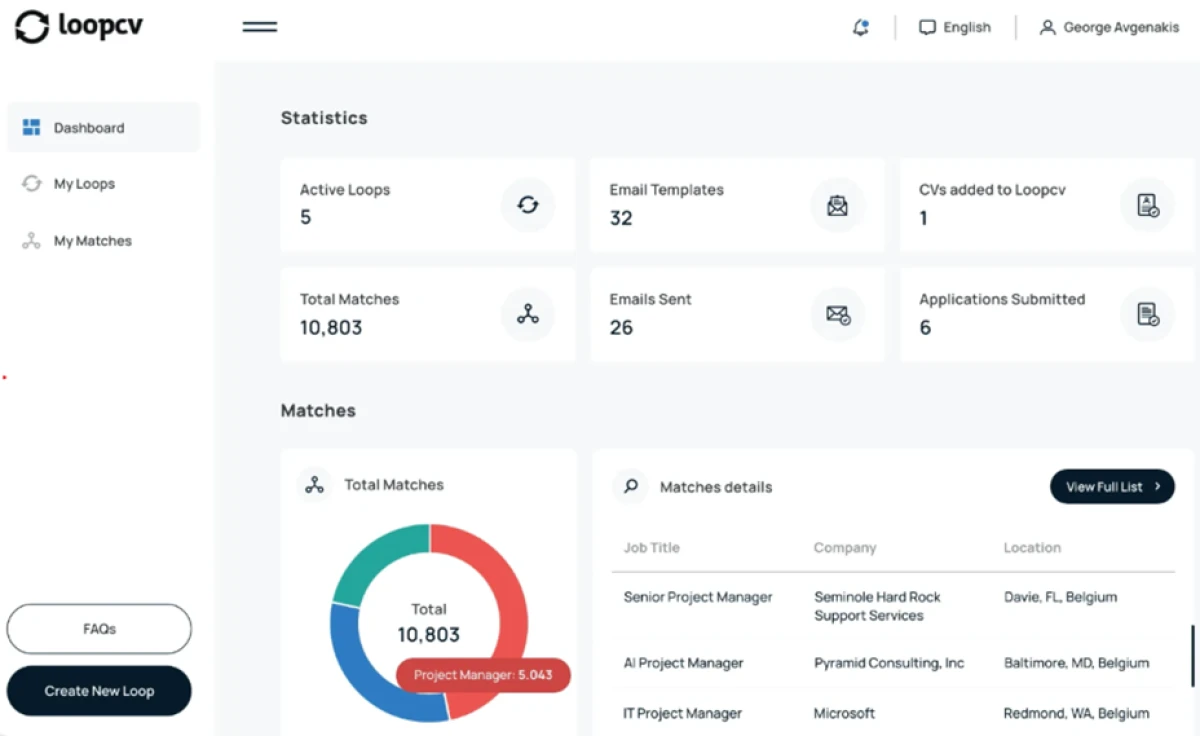
LoopCV takes the same approve-first philosophy and points it at volume. Founded in 2019 in Thessaloniki, Greece, it runs daily searches it calls loops across more than 30 job boards, among them LinkedIn, Indeed and Glassdoor. Its review mode lets you approve matches before anything is sent, and it can also email recruiters directly. The free plan gives you one loop, three job boards and around ten applications or emails a month, with paid plans starting near 9.99 euros a month. Its coverage leans European, so check your local boards before committing.
Push the slider all the way across and you reach hands-off territory, where the time saved is largest and so are the trade-offs.
Speed three: full auto-apply for volume, and the risk attached
At this end, the tool finds roles and submits them without asking. You wake up to a list of applications already sent. The appeal is obvious. So is the danger, which we will get to.
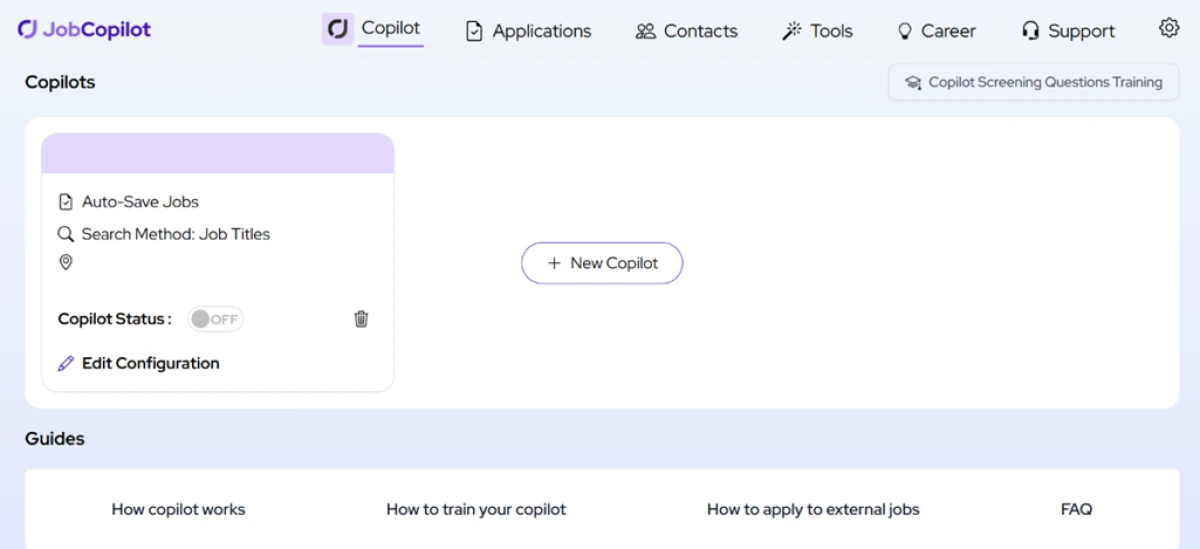
JobCopilot is a cloud service that applies on your behalf across company career pages and job boards, writing an AI resume and cover letter tuned to each role. It can send up to 50 applications a day, roughly 1,500 a month. Main tiers run about $28 to $32 a month, billed weekly, with no free trial. User sentiment is mixed, around 3.7 out of 5, and a recurring complaint is that some matched listings turn out to be stale or ghost jobs.
LazyApply is the best-known pure-volume option. Its Job GPT extension blasts applications across LinkedIn, Indeed and ZipRecruiter, with daily limits that climb from 15 on the entry tier to 1,500 at the top. Pricing starts near $99 and reaches into the hundreds for the heaviest tier, though billing terms, annual versus a one-time deal, vary across sources. Verify the current terms before paying.
AIApply rounds out this group, bundling auto-apply with resume, cover letter and interview tools at a budget price, aimed squarely at mass-market seekers. It rates around 3.6 out of 5, with reviewers noting frequent upsell prompts.
The honest warning: recruiters in 2026 are getting better at spotting bot-filled applications, and mass submission is detectable. A wave of generic applications can damage your standing with a company faster than it can win you an interview. At this speed, volume is cheap and relevance is the thing you can lose. Review a sample of what any of these tools sends out under your name before you let it run unattended.
Speed is only half the equation, which brings us back to the thing Jobsuit actually did well.
The part Jobsuit got right, and why you should keep it
Remember the problem Jobsuit solves. A fast application built on a weak resume just fails faster. If you automate the submitting but skip the tailoring, you are sending a worse application to more companies, which is not progress.
So the smartest setup pairs a speed tool with a quality tool. Three options cover the quality layer well.
• Teal: a free resume builder and job tracker with a match score that shows how well your resume fits a saved listing. The core is free; Teal+ runs up to $29 a month for the heavier AI features.
• Careerflow.ai: an all-in-one with a resume builder, LinkedIn optimizer and tracker, plus human expert reviews. Paid plans start near $23.99 a month, with a free plan to test the builder.
• Jobscan's scanner: already mentioned for Auto Apply, its match-rate report is one of the sharpest ways to see which keywords a job description wants before you hit send.
• Jobsuit itself: worth keeping for the tailoring if you liked it. The point is not to abandon it, but to add the speed it was never built to give you.
A practical combination: tailor in Teal or Jobscan, then fire the applications through Simplify's autofill. You keep Jobsuit-grade quality and gain back your evenings.
With the pieces on the table, the choice gets simpler.
The full picture at a glance
Tool
Type
Free tier
Paid from
Best for
Jobsuit AI
Resume tailoring
Yes (3/mo)
$11.99/mo
Quality resumes, but you still apply by hand
Simplify
Autofill extension
Yes (unlimited)
~$39.99/mo
Fast manual applying with full control
Jobscan
ATS scan + Auto Apply
Yes (5 scans)
$49.95/mo
Keyword matching and reviewed submits
LoopCV
Reviewed auto-apply
Yes (1 loop)
~€9.99/mo
Daily searches with approve-before-send
JobCopilot
Full auto-apply
No trial
~$28/mo
Hands-off volume across boards
LazyApply
Mass auto-apply
No
~$99
Raw volume on LinkedIn and Indeed
Teal
Builder + tracker
Yes (generous)
~$29/mo
Tailoring and organizing your search
Careerflow.ai
All-in-one + reviews
Yes (1 resume)
$23.99/mo
Resume plus LinkedIn and human feedback
Pricing checked in late 2026 from vendor pages and recent reviews. Figures change often, so confirm current plans on each tool's own site before paying.
How to choose without overthinking it
Match the tool to your situation rather than chasing the longest feature list.
• A few high-value roles you care about: stay at speed one. Tailor hard with Teal or Jobscan, then use Simplify's free autofill to apply quickly without losing the personal touch.
• Many roles, but you want oversight: speed two fits. LoopCV or Jobscan Auto Apply send more while still letting you approve each application.
• A volume play, eyes open to the risk: speed three with JobCopilot or LazyApply. Review the first batch of samples before trusting it with your reputation.
• A tight budget: Simplify free paired with Teal free covers tailoring and fast applying at zero cost, which is more than Jobsuit's free plan gives you.
The fastest tool is the one you trust enough to actually let run. Start on a free tier, watch what it sends out under your name for a day, and only then decide how much of that submit button you are ready to give away.






Discussion
Join the discussion and share your perspective.