9 Best AI Note-Taking Apps in 2026, Tested & Ranked
Compare the 9 best AI note-taking apps in 2026, tested and ranked for accuracy, summaries, pricing, and privacy. Find the right tool for meetings, study, or work.
Type "best AI note-taking app" into Google and you get a mess. One list hands you Otter and Fireflies. The next swears by Notion and Obsidian. A Reddit thread tells you both camps have it wrong. The confusion is not your fault. The phrase "AI note-taking app" quietly covers two different products that solve two different problems, and most roundups blend them into one soup. That blur is why so many people install the wrong tool and quietly give up on it.
This guide pulls them apart.
I ranked nine tools after putting them through real calls and real notes, and I flagged the two 2026 developments that should change how you choose: a wave of privacy lawsuits, and a platform crackdown that is quietly breaking the bot-based apps. We will reach both. First, the split that makes everything else make sense.
Two apps are wearing the same name
The first job is meeting notes. You are on a call and you want software to listen in and hand you a clean summary with the action items already pulled out. Otter, Fireflies, Fathom, Granola and tl;dv all live here.
The second job is personal notes. You are the one writing. You want AI to organise and search the notes you already keep, then smooth out the rough writing. Notion AI and NotebookLM sit in this camp, alongside classics like Evernote.
Most people who search for an "AI note app" want the first kind and never realise the second exists. A smaller group wants the opposite. Knowing which camp you are in saves you from the most common mistake, buying a meeting recorder when you wanted a second brain, or the reverse. The ranking below leans toward meeting tools, because that is where both the demand and the 2026 drama sit, but it includes the best of the personal-notes side and one pick that is neither an app nor software. I will explain that one when we reach number nine.
How I tested and ranked them
Nine apps, one yardstick. I judged each on the things that decide whether you still use it in week two:
• Capture quality. How accurate the transcript is, and whether it holds up on heavy accents and messy audio.
• Summary usefulness. Does the recap read like a sharp colleague wrote it, with the real decisions and next steps flagged?
• What happens next. Does the note travel to your inbox, your CRM, your docs or your Slack channel on its own, or does it die inside the app?
• Friction and trust. How long setup takes, and whether a visible bot barges into your calls.
• Price honesty. What the free plan actually gives you before it caps, and what lifting the cap costs.
One caveat. A ranking like this is a judgement call, not a lab score. I also weighed the 2026 changes to bots and privacy, which I cover in full further down, because a tool you cannot get into your meeting is no use however good its notes. Treat my number one as a strong default, then weigh it against your own meetings. Your calls are not my calls.
The 9 best AI note-taking apps in 2026
Here is the short version. The full breakdown of each, with features, pricing and a plain pros-and-cons table, follows underneath.
1. Granola. Best overall, and the first one I open.
2. Fathom. Best free meeting note-taker.
3. Fireflies.ai. Best for searchable history and CRM.
4. Otter.ai. The famous one, with an asterisk.
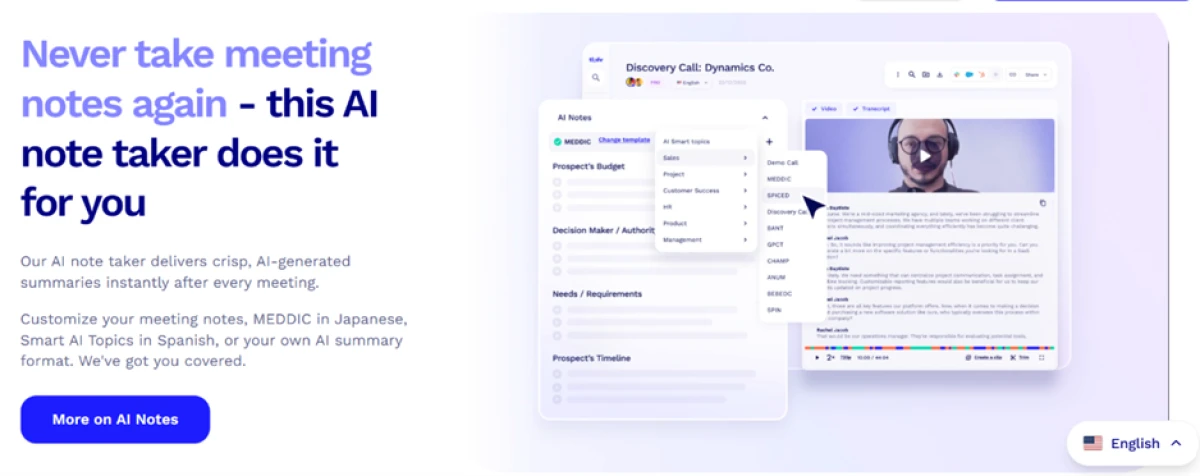
5. tl;dv. Best for sales teams and call review.
6. Notion AI. Best if your work already lives in Notion.
7. NotebookLM. Best for students and research.
8. Jamie. Best for bot-free notes across any platform.
9. Plaud Note Pro. Best for the room, not the call.
1. Granola, best overall
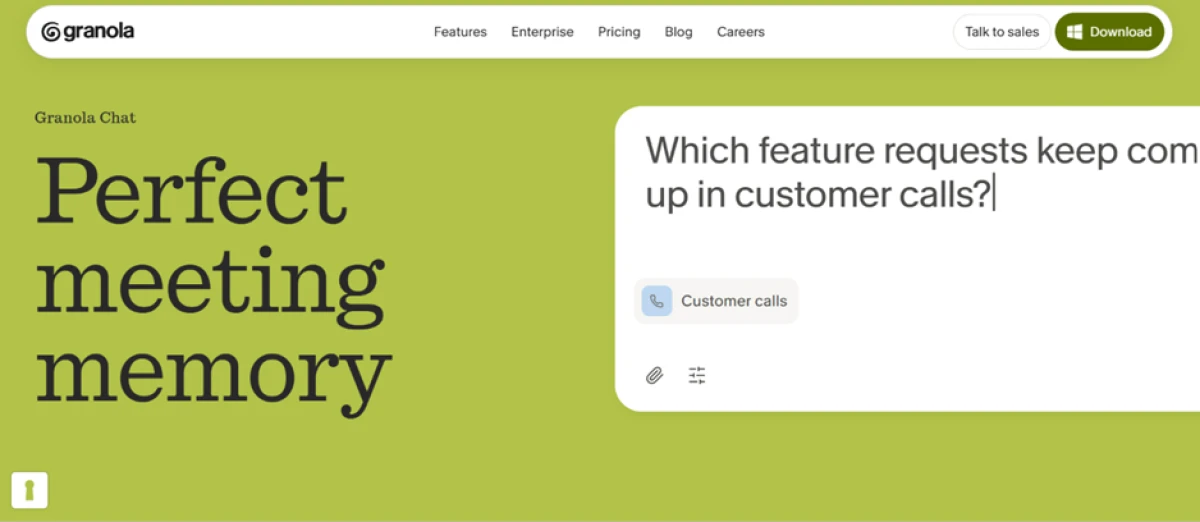
Granola became the app everyone copied in 2026 for one reason. It stays out of the way. It records audio straight from your Mac without sending a bot into the call, then turns your rough notes into a structured summary after you hit "enhance." There is no awkward "Granola has joined the meeting," so clients never see it, and the summaries read like a person wrote them.
Key features
• Bot-free capture that records system audio locally, so nothing joins the call as a participant.
• You type sparse notes during the call, then Granola fills the gaps into a clean, structured summary.
• Meeting templates (it calls them recipes) for one-on-ones, standups and sales calls.
• Works across any meeting platform because it captures your computer's audio rather than plugging into one app.
Pricing
• Free. Unlimited recordings, with AI-generated notes capped at around 10 meetings a month.
• Paid. From about $18 per seat a month billed annually, or roughly $29 per seat billed monthly.
Pros and cons
Pros
Cons
• Private by design, no visible bot on your calls.
• Clean, structured notes instead of a wall of raw transcript.
• Cheaper than most bot-based rivals.
• Sidesteps the 2026 bot crackdown covered later.
• Strongest on Mac and iOS, thinner on Windows.
• Built around one meeting at a time, not a shared team archive.
• Free AI notes run out quickly if you meet a lot.
Best for: consultants and anyone in client-facing or sensitive conversations.
Granola ranks first because its bot-free design is cleaner to use and, as we will see later, it quietly dodges the platform crackdown that hit the bot tools.
2. Fathom, best free
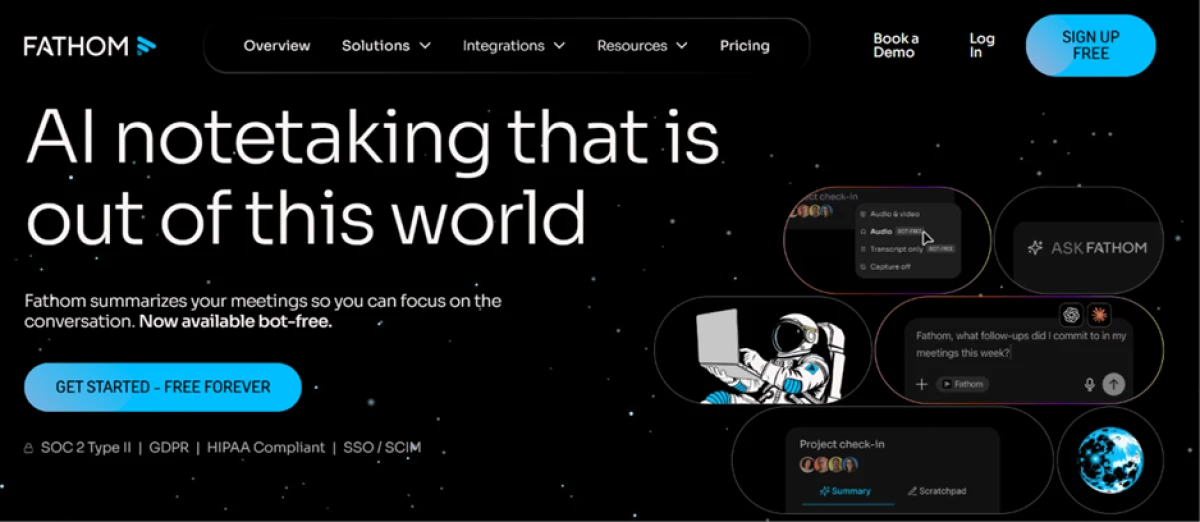
Fathom built its name by giving away what rivals charge for. The free plan records and transcribes with no meeting cap, which is rare. You stay in the conversation while it captures everything and writes the recap afterward.
Key features
• Unlimited recording and transcription on the free plan.
• One-click highlight clips you can grab during the call.
• AI summaries that are queryable from inside Claude and ChatGPT.
• Covers Zoom, Google Meet and Microsoft Teams.
Pricing
• Free. Unlimited recording and transcription, with advanced AI summaries limited to about 5 calls a month.
• Premium. Around $20 a month, dropping to roughly $16 on annual billing.
Pros and cons
Pros
Cons
• Genuinely free unlimited recording.
• Clean, minimal interface.
• Basic CRM sync even on the free plan.
• Summary quality is solid when you have credits.
• Advanced AI summaries capped at roughly 5 a month on free.
• No mobile app at the time of writing, desktop only.
• Covers about 30 languages, fewer than Fireflies.
• A visible bot still joins the call.
Best for: solo users and small teams who want real features without a bill.
If your pattern is heavy recording but only the occasional polished summary, little else competes at zero cost.
3. Fireflies.ai, best for history and CRM
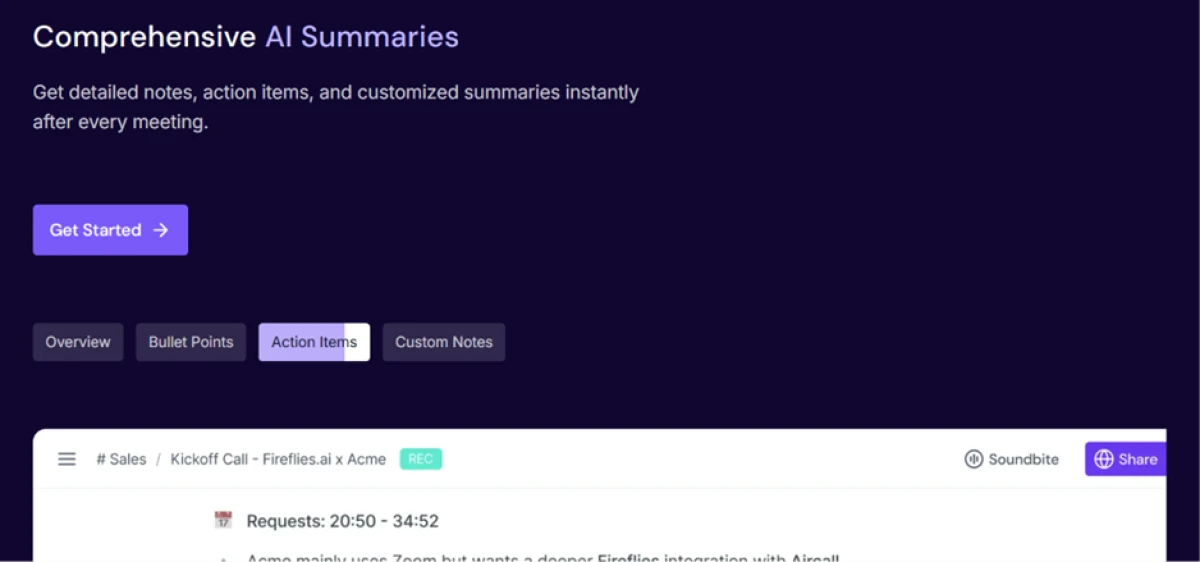
Fireflies is the meeting memory system. Its edge is not the transcript itself, it is the deep set of integrations that push what was said into your CRM and the rest of your stack. Ask its assistant, AskFred, about a call from three weeks ago and it answers.
Key features
• 50-plus native integrations, including HubSpot, Salesforce, Slack, Asana and Notion.
• Cross-meeting search across your whole call history.
• AskFred chatbot plus topic detection and sentiment analysis.
• Transcription in 100-plus languages.
Pricing
• Free. Limited, with around 400 minutes of storage and a one-time pool of about 20 AI credits.
• Pro. Roughly $18 a month, dropping to about $10 per user a month on annual billing.
• Business. Around $19 per user a month, which is where CRM sync unlocks.
Pros and cons
Pros
Cons
• Deepest integration and CRM story in this list.
• Strong search across past meetings.
• Wide language coverage.
• A visible bot joins every call.
• AI credits work as a one-time pool, not a monthly refill, which catches people out.
• CRM sync is gated to the Business plan.
• Named in the consent story we reach shortly, alongside Otter.
Best for: sales and operations teams who need meeting data flowing into a CRM.
4. Otter.ai, famous with an asterisk
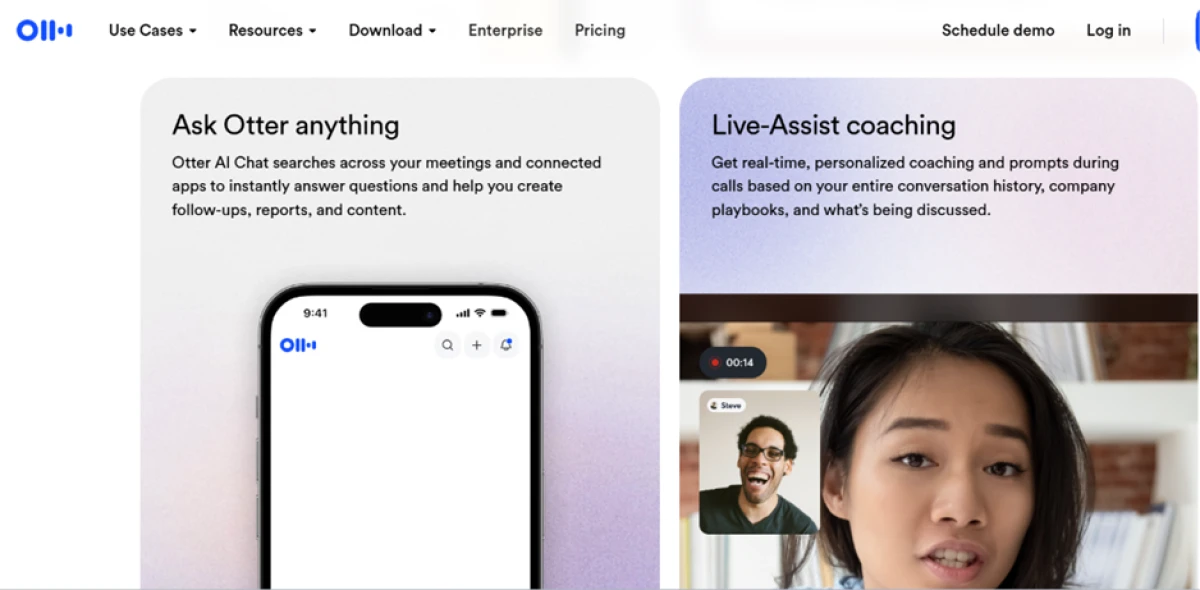
Otter is the name most people already know. It pioneered live transcription and still does it well, with a shared workspace for searching past calls and an iOS app that records in-person meetings through your phone mic.
So why only fourth? Its free plan tightened in 2026, and Otter sits at the centre of the privacy story we are about to tell. If name recognition and live transcription matter most to you, it still earns a place. Read the lawsuit section below before you commit.
Key features
• Real-time transcription you can read along with during the call.
• Shared team workspace with search across every past meeting.
• Otter AI Chat for asking questions about your calls.
• Mobile app that records in-person meetings, which most rivals cannot.
Pricing
• Free. A history cap of about 25 notes after the February 2026 rebrand, so older notes become unreachable.
• Pro. Around $16.99 a month.
• Business. Around $30 per user a month.
Pros and cons
Pros
Cons
• Best-in-class live transcription.
• Strong collaboration and search.
• Good mobile and in-person capture.
• Free plan is now capped by history, not minutes.
• Covers only English, Spanish and French.
• Centre of the 2026 consent lawsuit.
• A visible bot joins the call.
Best for: people who value a known name and live transcription above all else.
5. tl;dv, best for sales
tl;dv records and analyses sales calls, then adds a coaching layer most note-takers skip. It tracks objections and flags where reps drift off-script, then emails managers a report across every call. It also offers a native bot-free desktop mode, audio only, which matters more this year than last.
Key features
• AI playbook monitoring that flags what went unasked on a call.
• Objection tracking and scheduled cross-call reports to Slack or email.
• A native bot-free desktop mode, as well as a bot mode.
• Transcription across Zoom, Meet and Teams in 30-plus languages.
Pricing
• Free. Limited AI summaries with around 400 minutes of storage per team.
• Paid. From about $18 per seat a month, with higher business tiers above that.
Pros and cons
Pros
Cons
• Coaching layer that connects behaviour across calls to outcomes.
• Bot-free desktop mode available.
• Good multi-language support.
• Overkill for a student or a solo note-taker.
• Built around sales workflows more than simple recaps.
Best for: revenue teams who review calls to improve, not only to remember.
6. Notion AI, best for Notion teams
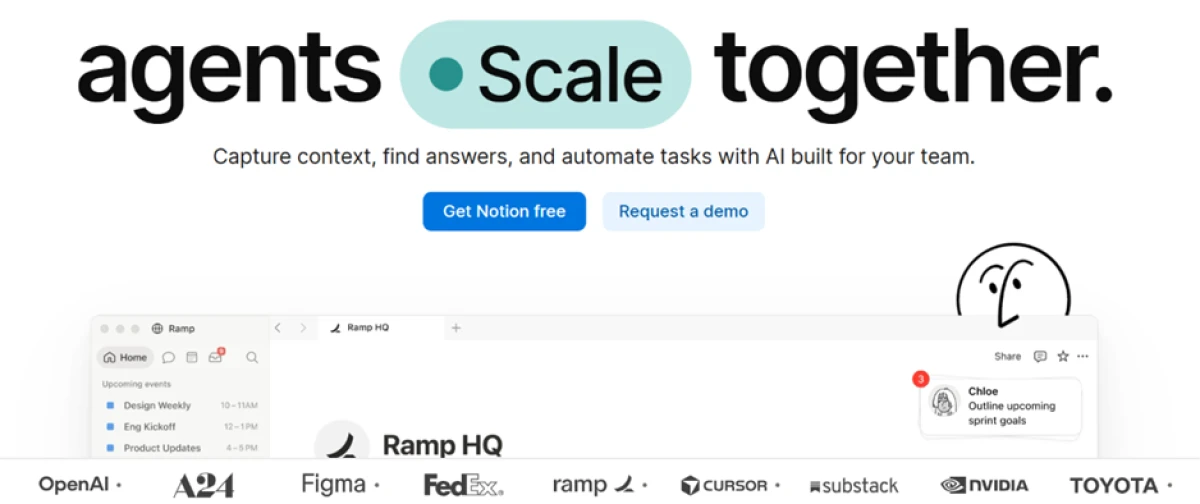
Here we cross from meeting tools into the personal-notes camp from our opening split. Notion AI is not a dedicated recorder. It is the AI layer on the workspace many teams already write in. It summarises pages and answers questions across everything you have stored, and it now pulls in connected apps like Slack.
Key features
• Workspace-wide Q&A grounded in your own pages and databases.
• Page summaries and AI writing that drafts or cleans up text.
• Connections into outside apps such as Slack and Google Drive.
• A dedicated AI Meeting Notes feature on the higher plans.
Pricing
• Plus. Around $12 per member a month, which includes a trial of the AI features.
• Business. Around $24 per member a month ($20 on annual billing), where full Notion AI and AI Meeting Notes live.
Pros and cons
Pros
Cons
• AI reaches across your whole workspace, not one note.
• Keeps meeting notes beside the docs and projects you already keep.
• Quick capture is slow, since a note means picking a database and template first.
• Dedicated meeting notes sit on the pricier Business plan.
• Not a meeting-first tool.
Best for: teams whose docs and projects already live in Notion.
7. NotebookLM, best for students and research
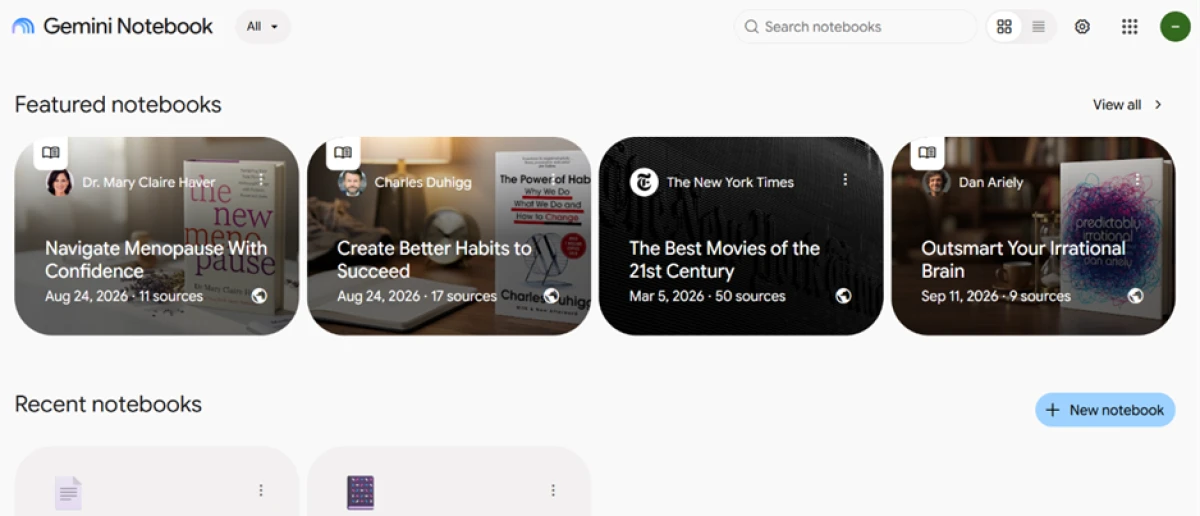
NotebookLM from Google is the outlier here, and the best pick for anyone buried in reading. You feed it your sources, and it lets you ask grounded questions and pull the themes out of what you uploaded. It is weak at live capture and strong at making sense of a stack of documents.
Key features
• Upload your own PDFs, documents and transcripts as sources.
• Grounded question answering that cites the material you gave it.
• Synthesis across many sources at once, useful for a reading list.
• Study aids generated from your uploads.
Pricing
• Free. Available with limited AI capacity.
• Paid. From about $4.99 a month through a Google AI plan.
Pros and cons
Pros
Cons
• Strong at synthesis and research.
• Answers stay grounded in your own sources.
• Cheap to upgrade.
• Will not record your Tuesday standup.
• Points at a reading list, not a live meeting.
Best for: students and researchers turning many sources into one coherent picture.
8. Jamie, best bot-free across platforms
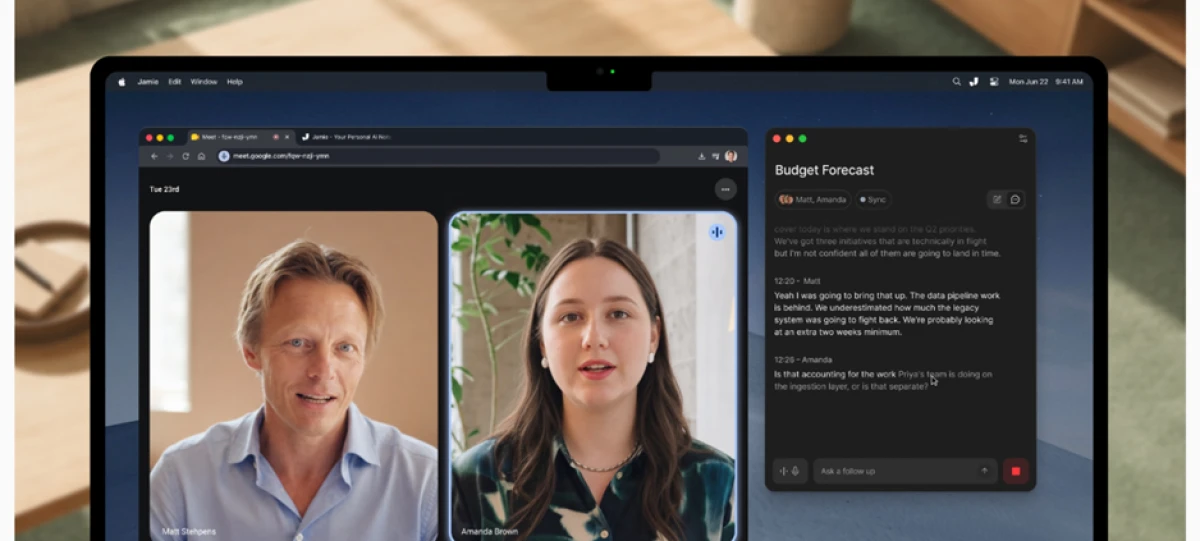
Jamie captures meeting notes without putting a bot in the call, and it works across the major platforms instead of tying you to one. It is the middle ground for people who want bot-free notes but do not live on a Mac the way Granola prefers.
Key features
• Bot-free capture with no visible participant joining the call.
• Works across the major meeting platforms rather than a single one.
• Structured summaries built for client-facing work.
Pricing
• Free. Around 10 AI notes a month, with a 30-minute limit per meeting.
• Paid. From about EUR 25 a month, dropping to roughly EUR 21 on annual billing.
Pros and cons
Pros
Cons
• Bot-free, so nothing joins your call.
• Flexible across different meeting tools.
• Comfortable in client-facing settings.
• Notes-first, so no full video library of your calls.
• Free plan is tight on length and volume.
• Priced in euros, worth a currency check.
Best for: consultants and client-facing people who hop between meeting tools.
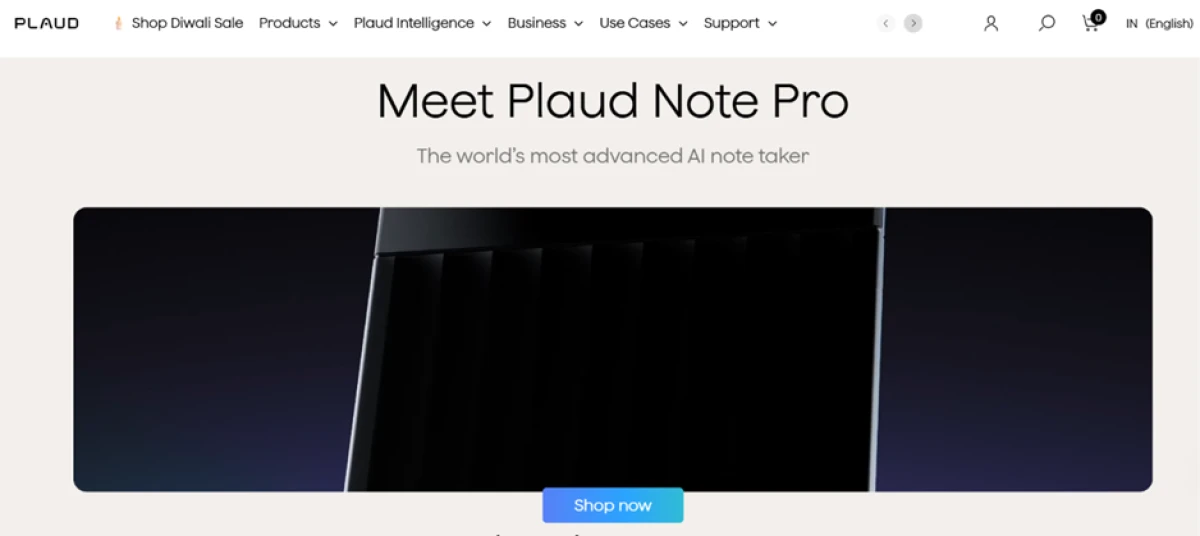
9. Plaud Note Pro, best for the room
The final pick is not an app, which is exactly the point. A growing share of "best AI note taker" searches are actually hunting for hardware, a recorder you set on the table, not software that joins a call. Plaud answers that. The Note Pro is a slim device that records the room, then syncs a transcript and a summary to its app.
Key features
• Four microphones plus a voice processing unit, with pickup out to about 16 feet.
• A small AMOLED screen showing battery and recording status.
• Automatic switching between phone-call and in-person meeting modes.
• An endurance mode rated up to 50 hours, plus Apple Find My support.
Pricing
• Device. About $189 for the Note Pro itself.
• App, free. The Starter plan gives 300 transcription minutes a month.
• App, paid. Pro is about $8.33 a month billed annually for 1,200 minutes, and Unlimited is about $19.99 a month billed annually.
Pros and cons
Pros
Cons
• Records a real room, where call software is useless.
• Long battery and a status display.
• Find My support if you misplace it.
• An upfront purchase, not a free download.
• Proprietary magnetic charging cable, not USB-C.
• Processing is cloud-only, with no on-device AI.
• No native HubSpot or Salesforce sync.
Best for: in-person meetings and lectures, where no video call exists for software to join.
Every software tool above goes deaf the moment the conversation leaves the screen. Plaud fills that gap, and it closes the loop on the two-job split we opened with.
The nine at a glance
The table pulls the shortlist together. Prices are approximate and move often, so confirm each on the vendor's own page before you publish or buy.
App
Type
Bot or bot-free
Best for
Free plan
Paid from (approx.)
Granola
Meeting
Bot-free
Private, clean notes
Yes, ~10 AI notes/mo
~$18/seat (annual)
Fathom
Meeting
Bot
Best free tier
Unlimited recording
~$20/mo ($16 annual)
Fireflies.ai
Meeting
Bot
CRM and history
Yes, limited
~$10/user (annual)
Otter.ai
Meeting
Bot
Live transcription
Yes, history-capped
~$16.99/mo
tl;dv
Meeting
Both modes
Sales coaching
Yes, limited
~$18/seat
Notion AI
Personal
Not applicable
Notion-based teams
Trial only
~$12/member (Plus)
NotebookLM
Personal
Not applicable
Students, research
Yes
~$4.99/mo
Jamie
Meeting
Bot-free
Cross-platform notes
10 notes/mo
~EUR 25/mo
Plaud Note Pro
Device
Not applicable
In-person capture
Device + 300 min/mo
$189 + app plan
Pricing checked October 2026. Treat it as a starting point and update each figure when you verify it on the vendor's page.
The 2026 shift that reshuffled this list
I promised two developments that should change how you choose. Here they are. They also explain why the bot-free tools climbed my ranking.
Platforms started blocking the bots
For years a note-taker joined your call as a participant and nobody blinked. That ended in 2026.
On 13 March 2026, Microsoft issued a notice (reference MC1251206) that Teams would detect external meeting bots and label them "Unverified" in the lobby, so the organiser has to admit them before they can record. Admins can block them outright at the tenant level.
Google moved next. Since late March 2026, Google Meet flags every third-party bot with a "potential risk" label and defaults to deny, so the host must admit the bot within about five minutes or it gets dropped from the waiting room. Zoom added its own admin controls to switch off third-party companions in favour of the built-in one.
The result is a small tax on every bot-based tool here: an extra click, plus an IT policy that might block it. Bot-free apps like Granola and Jamie never meet that wall, because no participant ever appears to flag. That is a big reason they ranked where they did.
The lawsuits put consent on the table
In August 2025, a California resident named Justin Brewer filed a class action against Otter.ai (Brewer v. Otter.ai). The complaint alleges the Notetaker recorded conversations without the consent of everyone present, and used that audio to train its AI. The case has since been folded into consolidated federal proceedings in the Northern District of California. Fireflies.ai faces a separate suit built on a different legal theory.
Otter's defence, in plain terms, is that getting consent is the account holder's responsibility, not the company's. No court has ruled yet. The point does not need a verdict. If you record people, tell them you are doing it. In all-party-consent regions, get their yes before you start. Tools that make recording obvious, or that skip the bot and keep audio on your own device, leave you less exposed.
This is the asterisk behind Otter's fourth-place finish.
Match the app to how you actually work
The ranking gives you a default. Your situation gives you the answer. Three questions settle it.
10. Do your notes come from conversations, or from your own head? Conversations send you to the meeting tools near the top of the list. Your own writing sends you to Notion AI or NotebookLM.
11. Will a visible bot be a problem on your calls? For external or sensitive meetings, go bot-free with Granola or Jamie. For internal and casual calls, a bot tool like Fathom or Fireflies is fine.
12. Is the conversation even on a screen? When the talking happens in a room rather than on a call, software that joins a meeting cannot help. That is Plaud's job.
A few specifics the three questions miss:
• Lecture-heavy study weeks: NotebookLM for turning readings into study guides, with Plaud or Otter's mobile app to capture the room.
• A tight budget: Fathom for unlimited free recording, and NotebookLM alongside it for study work.
• A sales team: Fireflies when the CRM pipeline is the priority, or tl;dv when coaching beats storage.
The verdict
For most people in 2026, install Granola first. It gives you clean notes and keeps your calls private, and it shrugs off the platform rules that snagged the bot tools. Want everything free? Start with Fathom. Living in sales calls all week? Fireflies or tl;dv will earn their keep.
One honest caveat before you click install. Every tool here still needs a human eye. The summaries are good, and they are not minutes you can sign off unread. Treat the AI as the fast first draft of your memory, and keep your own attention on anything that carries weight.



Discussion
Join the discussion and share your perspective.